19 / 19Module 3 – FrontendAdvanced
Frontend: test
Initialization steps
- Connect MetaMask
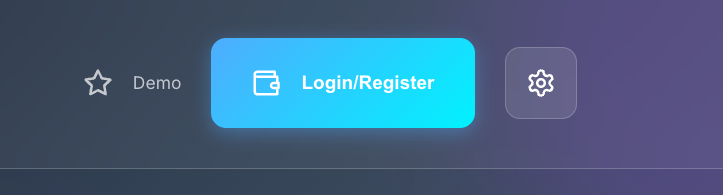
- Log in or register
This step creates an FT4 account in the Rell dapp.
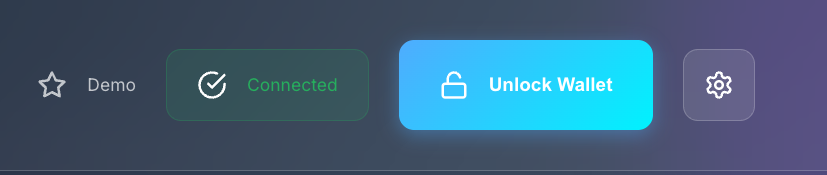
- Unlock the wallet
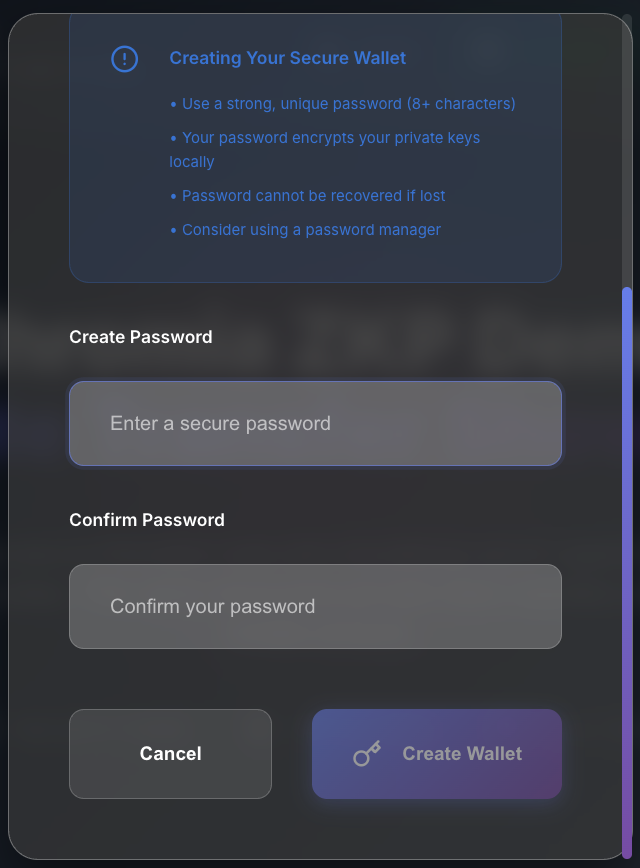
Unlocking the wallet securely generates an encryption keypair. You use this keypair to encrypt private data and to decrypt private operation data stored in logs. Decrypting that log data is how the app derives each user's total private balance.
- Register a private address
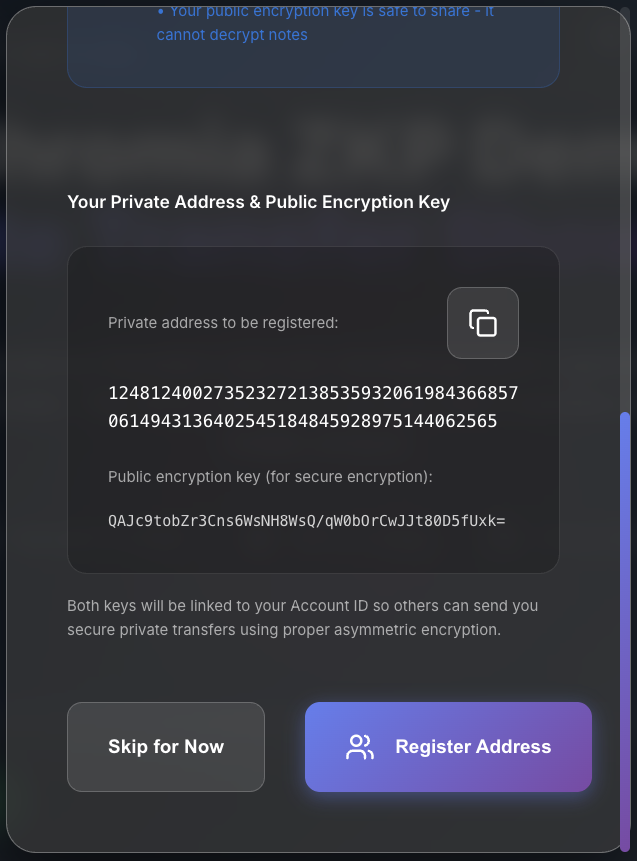
A registered private address lets a user receive private transfers. The address itself is not secret. The registry stores it as a fixed value so you can target a specific user more easily. This is a design choice, not something the demo technically requires.
Demo scenarios
Basic flow demo
- Open the app (keys are generated automatically)
- Claim 1000 tokens from the faucet
- Shield 500 tokens (public → private)
- Send 200 tokens to a random recipient
- Unshield the remaining 300 tokens (private → public)
Privacy demo
- Show that the public balance is visible on the blockchain
- Shield tokens so they become private
- Show that private transfers do not expose amounts
- Show how recipient addresses are hidden
- Unshield tokens to make them public again when needed
Multi-user demo
- Generate several random recipients
- Show how private transfers move between users
- Show that only the recipient can decrypt their own notes
- Show how nullifiers stop double-spending
Written for this site from Chromia’s public course. Code samples are the course’s own.